User Research
Built from real user struggles, Netwise evolved through research and iterative design.

How do users currently network?
Step 1
Learning Phase

Watches videos for Networking tips but struggles to apply them in real situations

Painpoint:
Reduced response time for a more engaging & efficient networking experience.
Step 2
Event Preperations

Finds events through LinkedIn or University Portals but doesn't know who to connect with.
Painpoint:
Overwhelmed by attendees, no tailored meet suggestions.
Step 3
Attending Events

Feels nervous starting conversations, makes a few connections, but forgets key details later.
Painpoint:
Struggles with conversation flow leading to missed networking opportunities.
Step 4
Follow-Up Issues

Sends generic messages or fails to follow up, leading to weak or lost connections.
Painpoint:
Lack of personalized follow-ups weakens connections and reduces long-term networking success.
Step 5
Lost Connections

Users often feel disconnected and deeply regret their missed opportunities.
Painpoint:
Users end up feeling lost and miss the chance to forge genuine, impactful relationships.
What are the 2 key pain-points?
Mastering Networking Conversations Effectively
Professionals often struggle to start and sustain engaging conversations, limiting success.
Networking Event Preparation & Sustaining Connections
Professionals struggle to identify key connections, strategize for events, and follow up, limiting long-term opportunities.
We identified two key pain points by analyzing data from user interviews, surveys, personas, and user flows.
Understanding User Needs -
Building a Strong Research Foundation
We dive deep into user research to uncover pain points, validate assumptions, and gain actionable insights that shape the foundation of our design.
What did we do?
∘ Interviews
∘ Surveys
∘ Desk Research
∘ Competitive Analysis
Interviews.
We conducted 30 interviews—19 with students and 11 with professionals—to gather a wide range of insights for the project, out of which I conducted 9 interviews.
My Role?
I crafted the questions, facilitating engaging sessions, and analyzing the results to uncover essential patterns and address user pain points.
"I struggle with initiating conversations, especially when I’m not sure how to approach someone."
Graduate Student, Purdue
"I find it hard to follow up after initial meetings, especially when I don’t know how to keep the conversation going."
Under Graduate Student, IUPUI
"Networking feels overwhelming at times, especially when I’m unsure how to present myself effectively."
Under Graduate Student, IUPUI
"Following up is even harder— I worry about coming across as pushy or awkward. "
Under Graduate Student, IUPUI
// RECURRING THEMES FROM OUR INTERVIEWS
.webp)
// FINDINGS FROM INTERVIEWS

27 of 30
Users highlighted struggles with initiating and maintaining meaningful connections.
19 of 30
Users felt overwhelmed, unsure who to connect with, and missed follow-ups.
21 of 30
Users indicated that they forget key connection details, making follow-ups hard.
Surveys.
As of September 24, 2024, we gathered 56 survey responses to capture quantifiable insights into user behaviors, preferences, and pain points.
My Role?
I designed the survey, crafted questions, and analyzed results to extract key insights.


// FINDINGS FROM SURVEYS
72%
Initiating conversations was the top challenge, with 72% lacking confidence at networking events.
30%
A key challenge was finding the right connections, cited by 30% as their biggest pain point.
78%
Struggles with initiating, sustaining, and following up on connections during events.
Desk Research.
I analyzed 9 research papers on networking, event prep, and relationship-building to ground Netwise in proven strategies.
Why desk research?
While recruiting participants, preparing interview scripts, and circulating the survey, we conducted desk research to make the best use of our time and ground our approach in existing insights
// INSIGHTS FROM A FEW RESEARCH PAPERS
"Online networking expands access to professional connections, but in-person interactions remain critical for trust-building and long-term relationships."
Published Online: Dec 15, 2021
What is the relevance?
Highlights the importance of both digital and real-life networking, reinforcing why Netwise bridges this gap with AI-powered simulations and in-person follow-up features.
“Individuals who engage in structured networking practice show higher confidence and success in professional interactions.”
Published Online: Dec 15, 2021
What is the relevance?
Supports the MetaHuman conversation coach, as structured practice can enhance users’ real-world networking skills.
“Students often struggle with initiating conversations due to a lack of confidence or not knowing what to say.”
Published Online: June 15, 2021
What is the relevance?
Justifies conversation starters and real-time feedback, helping users overcome this common challenge.
“Personalized follow-ups that reference specific discussion points make a lasting impression and lead to stronger professional ties.”
Published Online: May 1, 2022
What is the relevance?
Reinforces the customized follow-up messages based on event notes, helping users sustain connections effectively.
Competitive Analysis.
None of the six platforms we analyzed offer personalized, AI-driven networking guidance, making Netwise's MetaHuman networking coach a truly unique differentiator.
How is it relevant?
This feature goes beyond traditional networking tools, offering tailored strategies to help users confidently initiate conversations, nurture connections, and follow up effectively.


Defining the Problem Space-
Identifying Key User Challenges
Organizing and analyzing findings allows us to clearly define user needs, creating personas and journey maps that guide our design approach.
Methods:
∘ Affinity Mapping
∘ Personas
∘ User Journey Mapping
Affinity Mapping.
Affinity mapping helped us organize insights from interviews and surveys into clear themes, revealing user needs and pain points that shaped our design direction.
My Role?
I led the affinity mapping process—synthesizing feedback, clustering patterns, and translating user insights into actionable design focus areas.

Personas.
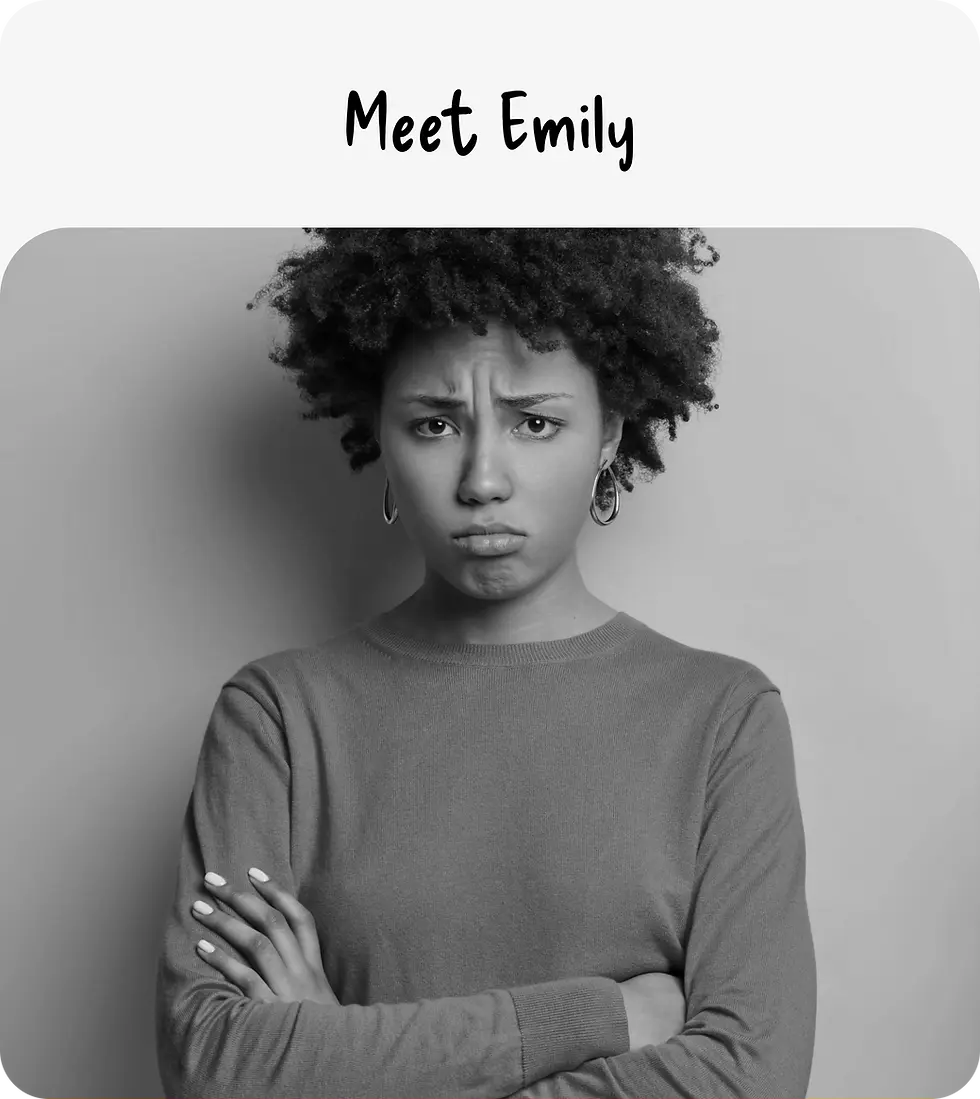
Creating a persona like Emily helped us deeply understand the motivations, challenges, and behavior of early-career professionals navigating the networking space.
How is it relevant?
It ensured that every design decision in Netwise—from feature prioritization to tone of voice—aligned with real user needs and emotional drivers.
.webp)
Demographics
Age: 27
Occupation: Junior Marketing Manager
Location: Seattle, WA
Education: Bachelor’s Degree in Communications
Tech Comfort Level: Proficient (but not a tech expert)
Background
Emily is a passionate young professional early in her marketing career. She knows networking is crucial for growth, but often feels awkward initiating conversations, especially at large professional events. She prefers genuine one-on-one connections over surface-level interactions.
🎯 Goals
-
Build a strong professional network to unlock new opportunities.
-
Prepare confidently for networking events with meaningful conversation starters.
-
Stay in touch with new contacts without feeling overwhelmed.
😟 Pain Points
-
Gets anxious before networking events.
-
Unsure how to start conversations with strangers.
-
Often forgets important details after meeting someone.
-
Finds it hard to maintain relationships after the first meeting.
🧠 Traits
-
Introverted: Enjoys deep conversations but finds large crowds draining.
-
Organized: Loves structured plans and to-do lists.
-
Curious: Always eager to learn and improve.
-
Sincere: Values authentic, meaningful relationships over transactional ones.
// WHAT ARE EMILY's NEEDS?
1. Confidence in Networking

Must have:
Real-time simulations and practice modes with immediate feedback to build confidence and improve skills.
Must Avoid:
Overloading with theoretical advice and too scripted interactions that hinder organic conversation.
2. Personalized Event Guidance
Must have:
Smart matchmaking and clear event breakdowns for relevant connections based on shared goals.
Must Avoid:
Providing too many suggestions or relying on generic criteria for matchmaking.
3. Effective Follow-Up Support
Must have:
Customizable prompts and reminders with key details to create personalized, relevant follow-ups.
Must Avoid:
Offering generic follow-up messages and missing reminders for timely engagement.
The above details are based on user research and identified in collaboration with the Product Manager.
User Journey Mapping.
The User Journey Map helped visualize Emily’s networking experience and identify pain points, to guide our design solutions.
My Role?
User Journey Mapping helped us uncover where Emily gets stuck, lost, or overwhelmed—so we could design Netwise to meet her exactly where she is.

Ideation & Concept Development -
Exploring Creative Solutions
Through structured brainstorming and prioritization, we generate innovative ideas, ensuring our solutions align with real user challenges.
Methods:
∘ Storyboarding
∘ Crazy 8s
∘ Moscow Method
Storyboarding.
I created a persona to visually map out Emily’s journey, identify pain points, and ensure the design flow addressed her specific needs.
My Role?
Storyboarding allowed us to simulate real-world usage early on, helping the team anticipate user reactions, spot friction points, and refine key moments in the experience.


Crazy 8s.
We used Crazy 8s to rapidly brainstorm multiple design ideas, Below are ideas from Crazy 8s, and we chose the best solutions to support Emily’s networking journey.
My Role?
Crazy 8s helped us quickly explore diverse design possibilities, ensuring we identified the most effective solutions to enhance Emily’s networking experience.

Idea 1
AI-Powered MetaHuman Coach
A realistic 3D avatar to practice networking conversations with instant feedback.
Idea 2
Smart Matchmaking for Events
Personalized attendee recommendations based on shared interests and goals.
Idea 3
Follow-Up Reminder System
Timely notifications with customized prompts based on past conversations.
Idea 4
Micro-Learning Modules
Short, interactive networking lessons integrated within the platform.
Idea 5
Networking Challenges & Rewards
Fun, goal-driven tasks to motivate users to engage and improve their skills.
MoSCoW Method.
I used the MOSCOW method to prioritize features by categorizing them into Must-Have, Should-Have, Could-Have, and Won’t-Have.
How is it relevant?
This helped us focus on essential features that addressed key user pain points, ensuring the MVP provided the most value while staying aligned with project goals.

Prototyping & Design Refinement -
Structuring & Visualizing the Experience
Translating ideas into tangible frameworks helps refine navigation, interactions, and usability, building prototypes that support intuitive user experiences.
Methods:
∘ Information Architecture
∘ Low-Fidelity Designs
∘ Mid-Fidelity Designs
Information Architecture.
It helped structure and categorize content in a way that ensured users could easily navigate, locate relevant information, and access the tools or resources they needed without feeling overwhelmed.
How is it relevant?
By organizing information logically, it enhanced the overall user experience, making interactions smoother and more intuitive.

Low Fidelity Designs.
We began with low-fidelity design, sketching core layouts without visual details. This enabled rapid testing, flow experimentation, and focus on key user interactions.
How is it relevant?
Using wireframes and basic elements, I could rapidly iterate and ensure the foundation was solid before moving forward.


Mid Fidelity Designs.
By creating a mid-fidelity design, we were able to focus on the user interactions and layout without getting distracted by visual details. This phase helped us identify and address usability issues early on.
How is it relevant?
We also used the mid-fidelity design for usability testing, gathering valuable insights to refine the experience further before investing in the more time-intensive high-fidelity design.


Refining & Optimizing Designs -
Validating Through Testing & Iteration
Continuous user testing and evaluation reveal areas for improvement, allowing us to refine and optimize designs for a seamless experience.
Methods:
∘ A/B Testing
∘ Heuristic Evaluation
A/B Testing.
We did A/B testing to see which design version users preferred and what improved engagement and usability.
My Role?
I led the A/B testing process by designing variants, setting up test flows, and analyzing user feedback to inform final design decisions.


Heuristic Evaluations.
We conducted heuristic evaluations to identify usability issues early on and ensure the interface aligned with established UX principles.
My Role?
I led the evaluation process by creating the checklist, assessing the UI, and documenting key areas for improvement.


Accessibility & Scalability -
Future-Proofing for Long-Term Impact
Prioritizing accessibility and scalability ensures our design remains adaptable, inclusive, and responsive to evolving user needs.
Content:
∘ Accessibility Design
∘ Future Scope
What I’d Tackle with More Time


Designed for Everyone.


Some Questions Left Unanswered? Let’s Talk One-on-One!
You can either book a session or send me an email at akankush92@icloud.com for any additional questions or clarifications.
Looking forward to connecting and discussing further with you!
Explore Other Case Studies...
User Research & User Interface // APR 2024

.webp)